Offline Maps for Bikes: Best Routes, Tools, and Tips for Ride Without Signal
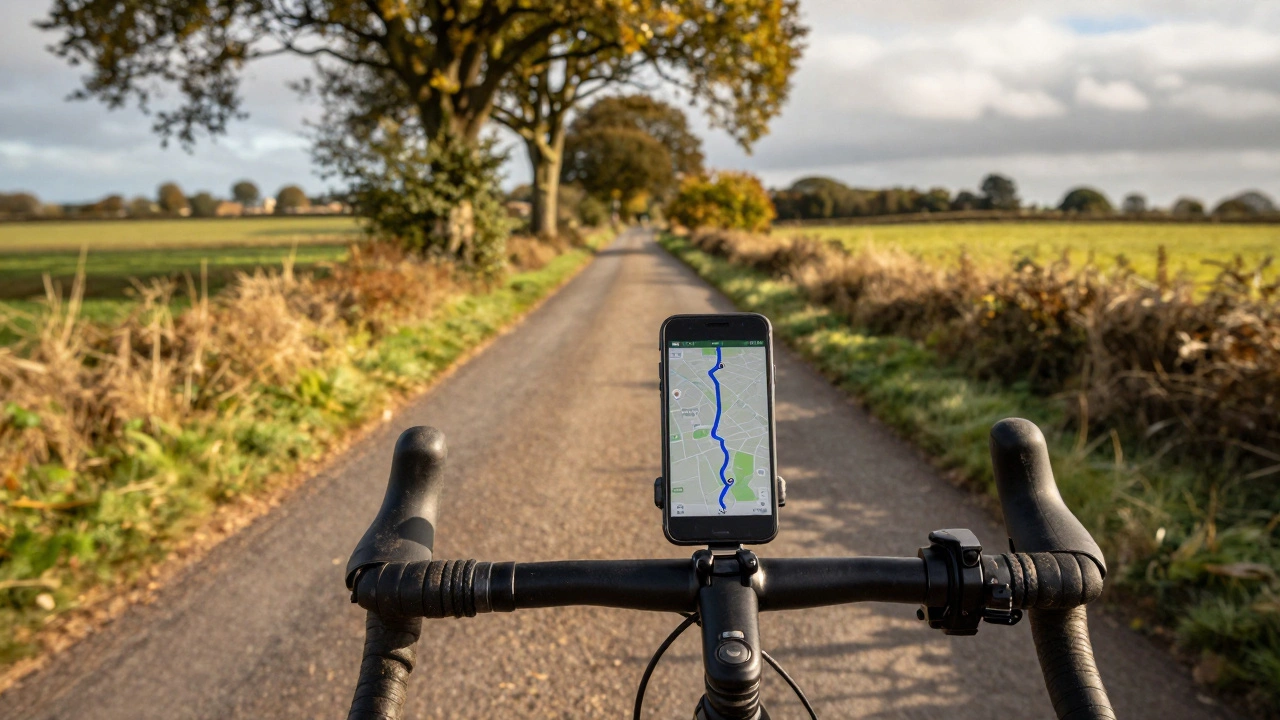
When you're out on a long bike ride and your phone loses signal, offline maps for bikes, digital navigation tools that work without internet access. Also known as downloadable cycling maps, they're not just a convenience—they're a safety net for riders who hit remote trails, country roads, or long-distance routes where coverage vanishes. You don’t need to guess at intersections or rely on memory. The right offline map lets you see your exact position, track distance covered, and find the next water stop—even if you’re miles from the nearest cell tower.
Most riders think offline maps are just for adventurers, but they matter whether you're commuting through a tunnel, racing in a remote county, or exploring the Lake District on a weekend ride. The best systems combine detailed road data with elevation profiles, surface types, and even points of interest like bike repair shops or public restrooms. Tools like Komoot, a cycling-focused app that lets you plan and download routes for offline use and Maps.me, a free app with global coverage and bike-specific layers are built for exactly this. They don’t just show you where to go—they help you choose the safest, flattest, or most scenic path based on your goals.
What makes these tools different from Google Maps? For one, they don’t drain your battery trying to refresh data. They also let you preload entire regions—say, the whole of Wales or the Pennine Way—so you’re never caught off guard. And unlike phone GPS alone, these apps sync with your ride data: you can save routes you’ve loved, mark hazards like potholes or steep climbs, and even share them with riding buddies. Many riders also pair them with Bluetooth bike computers for better screen visibility and longer battery life.
But here’s the catch: not all maps are created equal. A map that works fine in London might miss a single-track trail in the Peak District. That’s why experienced riders cross-check sources. Some use OpenStreetMap, a community-driven map that’s often more detailed for rural and off-road paths than commercial services as the base layer, then download it through apps like OsmAnd or Locus Map. Others rely on local cycling clubs’ custom GPX files—routes tested by locals who know where the gravel turns to mud after rain.
You don’t need to be a tech expert to use these. Most apps let you download maps in under five minutes. Just plan your ride ahead of time, tap download, and you’re set. Turn off mobile data to save battery, and make sure your phone’s fully charged before you leave. A power bank in your jersey pocket is a small investment that saves big headaches.
And it’s not just about getting from A to B. These tools turn a ride into an adventure. You can discover hidden lanes, quiet country roads, or forgotten bridleways you’d never find on a regular map. They’re why you can ride 50 miles without seeing another person—and still know exactly where you are.
Below, you’ll find real guides from riders who’ve tested these tools on long hauls, in bad weather, and on unfamiliar terrain. Whether you’re looking for the best free app, how to prepare for a multi-day tour, or why some maps fail when you need them most, the posts here cut through the noise. No fluff. Just what works.
Can You Use Google Maps Offline for Cycling? Here's How It Really Works
You can use Google Maps offline for cycling, but only for simple, familiar routes. For serious rides, apps like Komoot or RideWithGPS offer better offline navigation with elevation data and trail info.