Cycling December 4, 2025
Can You Use Google Maps Offline for Cycling? Here's How It Really Works
Offline Cycling Map Storage Calculator
MB
Estimated Storage Required
0%
Based on article data: 50-100 MB per 50 miles (80-160 MB per 80 km)
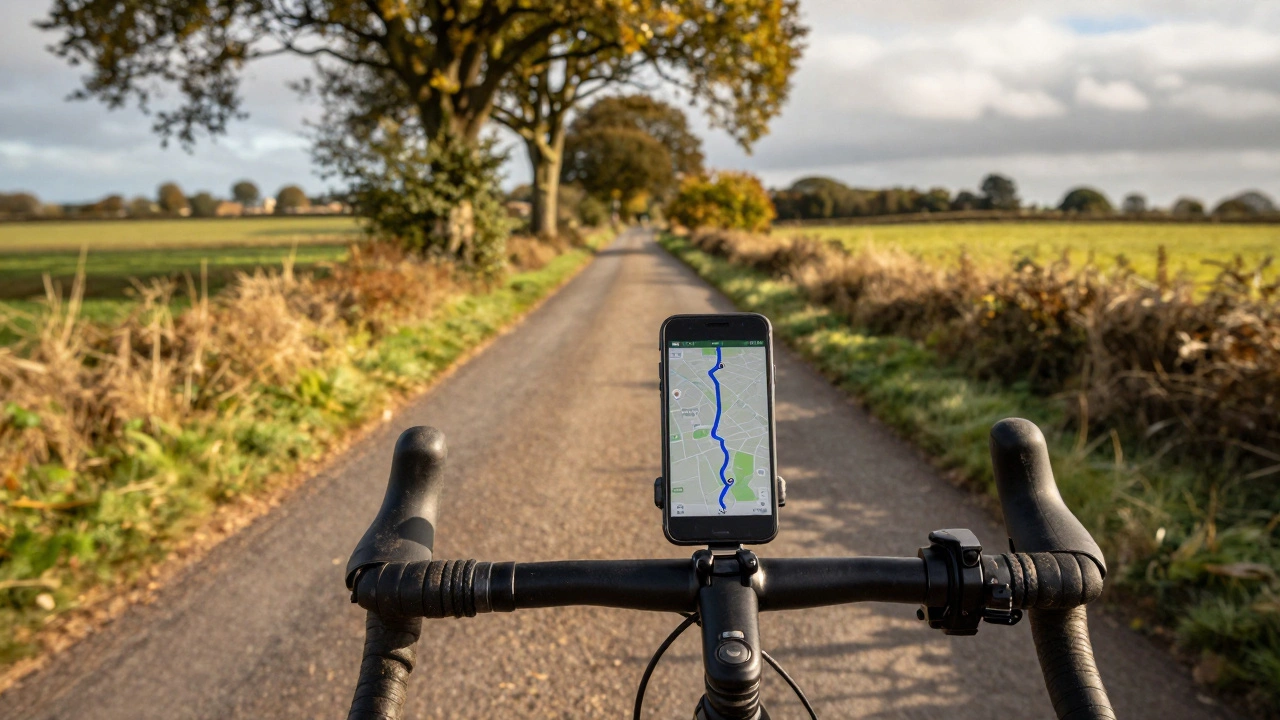
You're pedaling down a quiet country lane, phone in your pocket, no signal for the last ten minutes. You didn’t plan for this. The route you downloaded yesterday? It’s gone. Or worse - your phone’s battery is at 12%, and you’re lost. This isn’t a hypothetical. It happens to cyclists all the time, especially in rural areas, mountain trails, or places with spotty coverage. The good news? You can use Google Maps offline for cycling - but only if you know how to set it up right.
What offline cycling actually means on Google Maps
Google Maps lets you download maps for offline use, but it doesn’t mean you get full cycling navigation without internet. When you download a map area, you get the roads, paths, terrain, and points of interest - but not live traffic, real-time rerouting, or voice guidance for turns unless you’re online. For cycling, that’s a big limitation. You’ll still see your route as a blue line, but if you miss a turn, the app won’t recalculate your path. You’re stuck with the static map you downloaded.That’s fine if you’re on a simple, well-marked route. But if you’re exploring new trails, dealing with detours, or riding in unfamiliar towns, you’ll need to be extra careful. Google Maps doesn’t show you bike-specific hazards like steep climbs, unpaved paths, or low bridges unless they’re already in their database - and even then, it’s hit or miss.
How to download a cycling route for offline use
Here’s exactly how to do it, step by step:- Open Google Maps on your phone (Android or iOS).
- Search for the town, park, or area you’ll be riding in - like “Bath to Bristol Cycle Path” or “Lake District Gravel Trails”.
- Tap the name of the place at the bottom of the screen.
- Scroll down and tap “Download” under the “Offline areas” section.
- Adjust the map area by pinching to zoom. Make sure you cover your entire ride, including detours and rest stops.
- Tap “Download” again to save it.
Once downloaded, you can find your offline map by tapping your profile picture > “Offline maps”. You’ll see the area listed with a checkmark and the date it was saved. Google lets you download up to 10 offline areas at once, so plan ahead if you’re doing multiple rides.
Why offline cycling maps fall short
Google Maps was built for cars, not bikes. That’s clear when you look at the data. For example:- It doesn’t show you bike lanes unless they’re officially mapped by local governments - and even then, many rural paths are missing.
- It treats gravel roads the same as paved ones. You might get routed down a muddy trail that’s impassable on a road bike.
- It doesn’t warn you about steep gradients. A 15% climb might look like a gentle slope on the map.
- There’s no elevation profile. You won’t know if you’re about to climb 300 meters until you’re halfway up.
- It doesn’t integrate with bike-specific apps like Komoot or RideWithGPS, which have user-reported trail conditions and surface types.
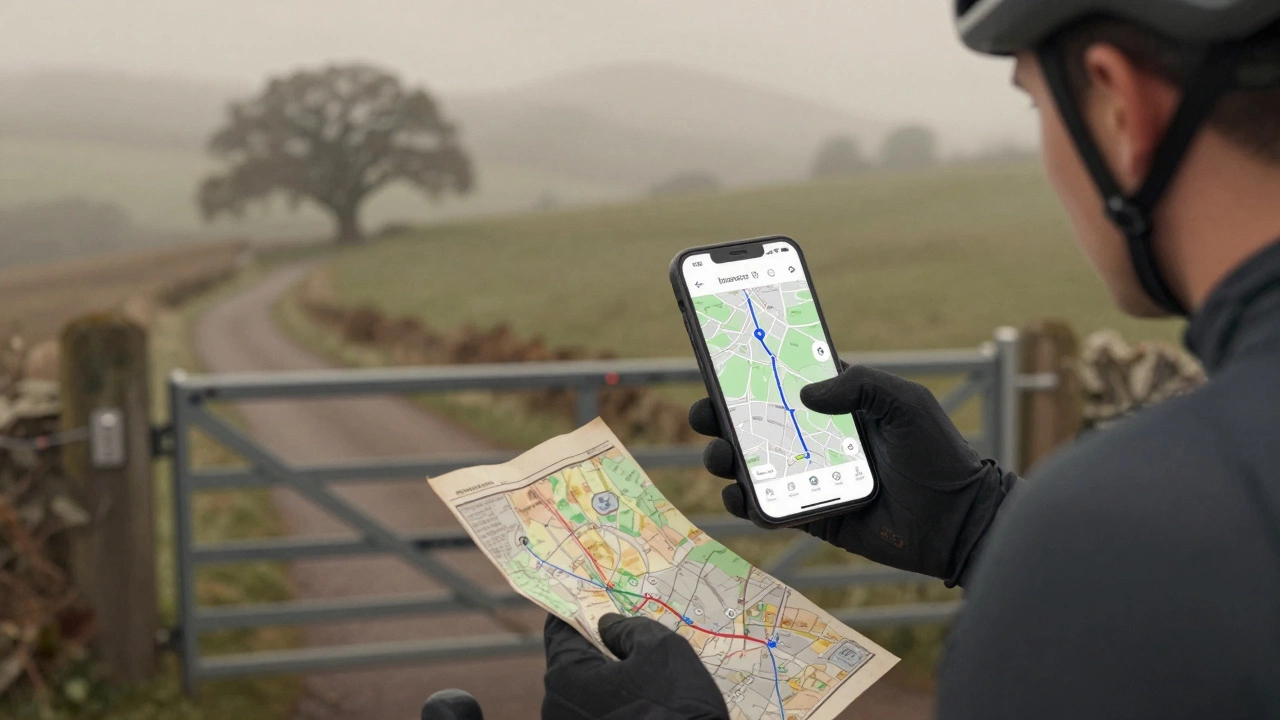
One rider in the Peak District told me they followed Google Maps offline to a “scenic route” - only to end up on a private farm track with no exit. No signs, no warnings. Just a locked gate and 45 minutes of walking back.
What works better than Google Maps for offline cycling
If you ride regularly, especially off-road or in remote areas, you need a better tool. Here are two that actually work for cyclists:Komoot
Komoot lets you download entire routes for offline use - including elevation profiles, surface type (asphalt, gravel, dirt), and even difficulty ratings. You can plan your ride on the web, then sync it to your phone. The app gives you turn-by-turn voice guidance, even without signal. It also shows you where to refill water, find toilets, or take a break. It’s free to use, but the premium version ($4.99/month) unlocks advanced route planning and offline map downloads for entire countries.RideWithGPS
RideWithGPS is the favorite among serious cyclists. You can import GPX files from other riders, plan custom routes with exact elevation data, and download them to your phone. The app works offline, shows real-time climb stats, and even tracks your battery usage. It’s not as polished as Google Maps, but it’s built by cyclists, for cyclists. The basic version is free. Pro costs $36/year.Both apps let you share routes with friends, mark dangerous spots, and update them based on real-world feedback. Google Maps? You’re stuck with what’s in their database - and that hasn’t been updated since last year in many rural areas.
How to make Google Maps work better for cycling offline
If you’re stuck using Google Maps, here’s how to reduce the risks:- Download the map for your entire ride - not just the start and end. Include buffer zones for detours.
- Before you leave, open the route in “Biking” mode while online. Check if it shows bike lanes or trails. If it looks like a car route, find another one.
- Take screenshots of key intersections or landmarks. A photo of a trailhead sign can save you when the map fails.
- Carry a paper map as backup. Yes, really. A folded Ordnance Survey map is still the most reliable tool in the hills.
- Use a power bank. Your phone will drain faster when GPS is constantly searching for signal.
Real-world example: Bristol to Bath Cycle Path
I rode this route last month. Google Maps showed a 19-mile path along the Avon River. I downloaded the map. Halfway through, the route vanished - the path had been rerouted due to flooding. Google didn’t know. I ended up on a busy A-road with no shoulder. I had to stop, pull out my phone, and manually search for the new trailhead. If I’d used Komoot, it would’ve shown me the updated route with a red warning line and a note: “Detour: Follow signs to Newbridge Lock.”That’s the difference between a tool that guesses and a tool that knows.
Final verdict: Should you use Google Maps offline for cycling?
Yes - but only for short, familiar rides on well-marked paths. If you’re riding in cities, along canal towpaths, or on quiet rural roads you’ve done before, Google Maps offline is fine. It’s free, simple, and works well enough.No - if you’re exploring new areas, riding off-road, or planning longer trips. You’ll miss critical info, get lost, or end up in dangerous spots. For those rides, use Komoot or RideWithGPS. They’re made for cyclists. Google Maps is made for drivers.
Don’t rely on your phone to save you. Always carry a backup plan. A charged power bank. A paper map. A friend who knows the route. Your bike’s bell. And your own sense of direction.
Can Google Maps show bike paths offline?
Yes, but only if those paths are already in Google’s database. Many rural bike trails, greenways, and off-road routes are missing. Google Maps doesn’t update these often, so you might see a path that no longer exists - or miss one that’s newly built.
Does Google Maps give voice directions for cycling offline?
No. Voice guidance only works when you’re online. Offline, you’ll see the route as a blue line and your location as a dot, but you won’t hear turn alerts. You have to watch the screen constantly - which isn’t safe while cycling.
How much storage space do offline maps take?
A 50-mile route typically uses 50-100 MB of storage. Larger areas like entire counties can take up to 500 MB. Most modern phones have plenty of space, but if you’re downloading multiple regions, check your storage regularly.
Can I use Google Maps offline on a smartwatch?
No. Google Maps offline maps only work on phones. Smartwatches can show your location and basic directions if paired with your phone - but not if the phone is offline. For standalone watch navigation, use apps like Komoot or Gaia GPS.
What’s the best free app for offline cycling maps?
Komoot is the best free option. It lets you download routes, see elevation, and get turn-by-turn guidance offline. RideWithGPS also has a free tier, but its interface is clunkier. Both are better than Google Maps for serious cyclists.
Do I need to pay for offline cycling maps?
No. You can download maps for free on Komoot and RideWithGPS. Premium features like advanced planning or country-wide downloads cost money, but basic offline routing works without payment. Google Maps is completely free, but limited.