Cycling May 24, 2026
Does Google Maps Have Bike Routes? A Complete Guide to Cycling Navigation
Cycling Navigation Tool Selector
What matters most?
Select your preferences to see the recommended tool.
You are standing at your front door in Bristol, helmet on, ready for a ride. You open your phone and type in your destination. The app gives you three options: car, walking, and public transit. But where is the bike? If you have been trying to find a dedicated bike route on your favorite mapping app, you might be frustrated by what you see-or don’t see. The short answer is yes, but it depends entirely on which map application you are using.
For years, cyclists have debated whether mainstream navigation tools actually understand how we ride. Do they account for hills? Do they avoid dangerous traffic? Or do they just draw a straight line across a busy highway? Let’s break down exactly how major mapping services handle cycling, what features they offer in 2026, and when you should stick with them versus switching to specialized alternatives.
How Google Maps Handles Cycling
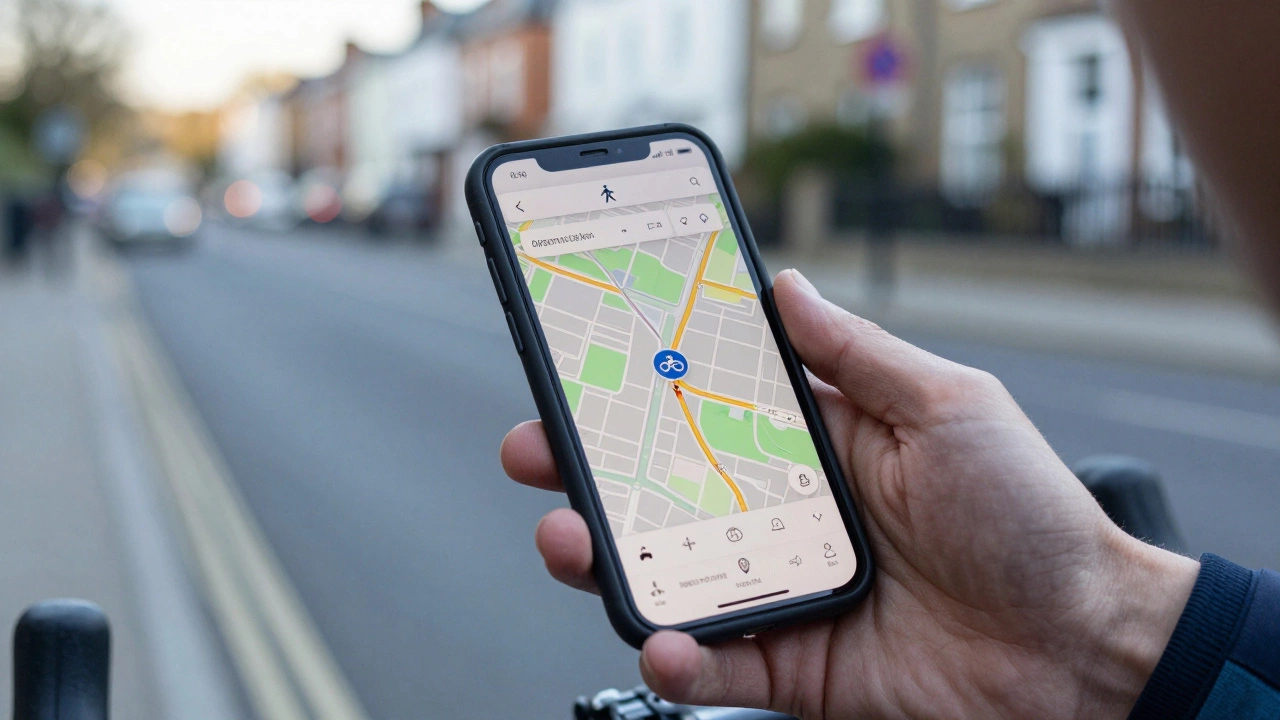
Google Maps is the most widely used navigation platform globally, offering multi-modal transport directions including driving, walking, transit, and cycling. When you select the bicycle icon, the algorithm shifts its logic. It no longer prioritizes speed above all else; instead, it looks for roads with lower speed limits, designated cycle paths, and quieter residential streets.
In major cities like London, New York, or Berlin, Google Maps does a decent job. It recognizes major cycle superhighways and protected lanes. However, the experience varies wildly depending on your location. In rural areas or smaller towns, the "bike" option often collapses into the "walking" option, leading you along sidewalks that may be illegal for bikes or missing obvious greenway connections.
Here is what you need to know about using Google Maps for cycling right now:
- Route Logic: It prefers low-stress roads but will still send you onto main roads if no safer alternative exists within a reasonable time penalty.
- Elevation Data: Unlike some competitors, Google Maps does not prominently display elevation profiles or gradient percentages on the route overview. You won’t see a steep hill coming until you are halfway up it.
- Real-Time Updates: It integrates well with traffic data, so if a road is closed due to an accident, it can reroute you. However, these reroutes sometimes ignore cyclist safety constraints.
- Offline Mode: You can download maps for offline use, which is crucial if you lose signal in remote areas. The turn-by-turn voice guidance works offline, but the visual map requires the downloaded tile set.
The biggest limitation remains the lack of granular surface quality data. Google Maps knows a road exists, but it doesn’t tell you if that road has potholes, broken glass, or a terrifyingly narrow shoulder next to a dual carriageway.
The Competition: Apple Maps and Waze
If Google Maps feels lacking, you might wonder if other tech giants do it better. Apple Maps is a navigation service developed by Apple Inc., integrated into iOS devices, known for clean design and privacy-focused data handling. In recent years, Apple has invested heavily in cycling infrastructure data. On iPhones and iPads, the cycling mode often provides more detailed information about path types-distinguishing between on-road lanes, shared paths, and off-road trails.
Apple Maps also offers a feature called "Cycle Lane" highlighting, which visually emphasizes protected lanes on the map view. This is a significant advantage for urban riders who want to stay separated from traffic. Additionally, Apple’s integration with health apps means your ride data syncs seamlessly with your fitness metrics, creating a unified ecosystem for active users.
What about Waze is a community-based navigation app primarily designed for drivers, focusing on real-time traffic avoidance and hazard reporting? Generally, Waze is not recommended for serious cycling. While it technically allows you to set a destination as a cyclist, its core algorithm is built for cars. It will aggressively reroute you through shortcuts that might involve U-turns on highways or navigating complex roundabouts at high speeds. The community reports are also driver-centric-you’ll get alerts about police traps and speed cameras, but rarely about loose gravel or fallen branches.
| Feature | Google Maps | Apple Maps | Komoot | Strava |
|---|---|---|---|---|
| Cycle-Specific Routing | Moderate (Varies by region) | Good (Better path distinction) | Excellent (Surface-aware) | Good (Heatmap-based) |
| Elevation Profile | No | Limited | Yes (Detailed gradients) | Yes (Segment-based) |
| Offline Maps | Yes (Downloadable) | Yes (iOS only) | Yes (Requires subscription) | Yes (Requires subscription) |
| Safety Focus | Low-Medium | Medium | High (Stress levels) | High (Popular routes) |
| Cost | Free | Free | Freemium | Freemium |
Why Specialized Apps Like Komoot and Strava Win for Riders
If you ride regularly, you will likely outgrow general-purpose maps. Apps like Komoot is a popular navigation app for cyclists and hikers, known for its detailed terrain analysis and stage planning capabilities and Strava is a social fitness network that tracks athletic activities, offering route discovery based on user-generated heatmaps are built by people who ride. They understand that a cyclist cares about different things than a driver.
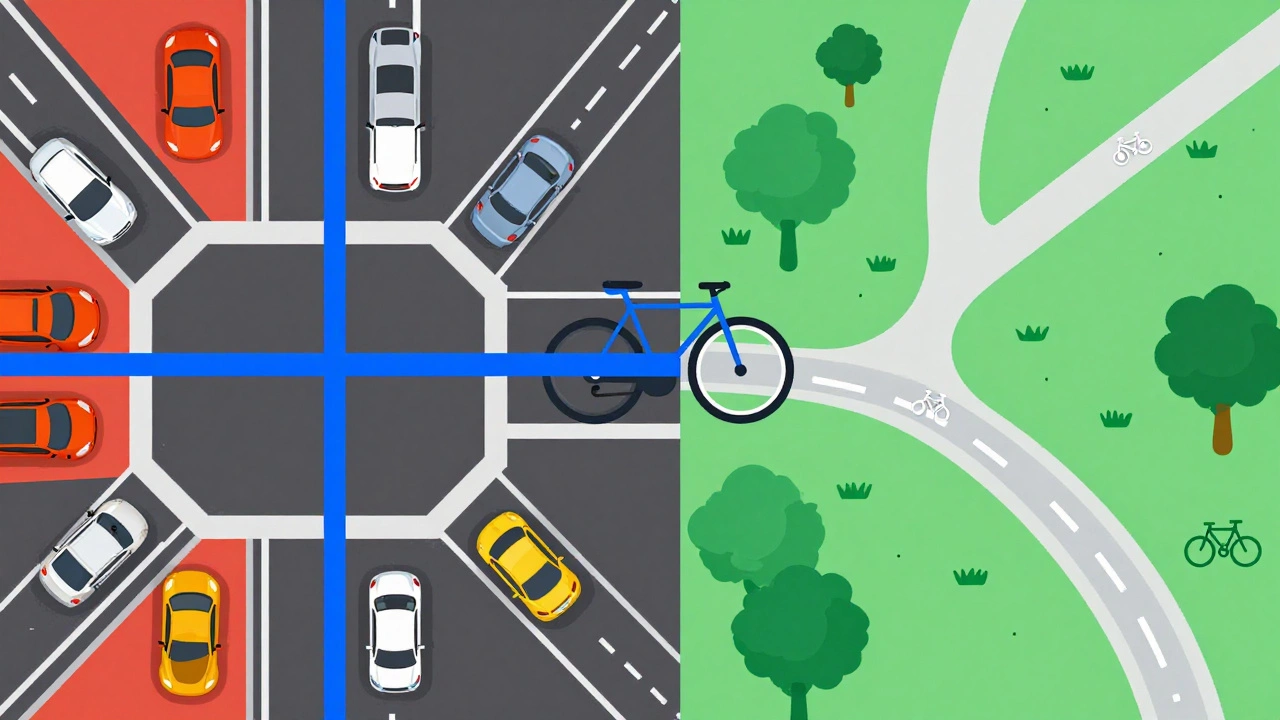
Komoot shines in its ability to analyze road surfaces. It tells you if a route is paved, gravel, dirt, or singletrack. More importantly, it assigns a "stress level" to each segment. A route might be shorter, but if it involves merging into fast-moving traffic on a multi-lane highway, Komoot will flag it as high stress and suggest a slightly longer, safer alternative. This is invaluable for commuters who want to arrive without a heart attack.
Strava takes a different approach. Instead of relying solely on static map data, it uses "heatmaps." These show you where other cyclists actually ride. If there is a hidden shortcut through a park that isn’t marked on official maps, but hundreds of locals use it every morning, Strava will highlight it. This crowdsourced intelligence is powerful for discovering new routes and avoiding isolated areas where breakdowns could leave you stranded.
Both apps offer offline functionality, but usually behind a paywall. For casual riders, the free versions suffice. For daily commuters or weekend adventurers covering long distances, the subscription cost is often worth the peace of mind provided by reliable offline routing and detailed elevation previews.
Practical Tips for Navigating Without Getting Lost
Even the best app can fail if you don’t use it correctly. Here are some practical strategies to ensure your navigation serves you, not the other way around.
- Check the Route Before You Go: Never start riding blindly. Open the map and zoom in. Look for gaps in the blue line. If the app suggests crossing a body of water or cutting through a private estate, it has made an error. Adjust the waypoints manually.
- Use Landmarks, Not Just Turns: Voice prompts saying "turn left in 200 meters" are easy to miss in noisy environments. Train yourself to look for visual cues mentioned in the app description, such as "after the red brick building" or "near the large oak tree."
- Download Offline Maps: Signal drops happen. In dense urban canyons or deep forests, GPS signals can weaken. Downloading the relevant area ensures your map tiles load even without data. Note that GPS positioning itself does not require data, but the map visuals do.
- Combine Tools: Use Google Maps for quick point-to-point checks because everyone has it installed. Use Komoot or Strava for planning longer rides where surface quality and elevation matter. There is no shame in using multiple tools.
- Respect Local Laws: Some apps may route you through pedestrian-only zones or nature reserves where cycling is prohibited. Always verify local regulations. An app’s suggestion is not legal advice.

Common Pitfalls to Avoid
One major issue with digital navigation is over-reliance. Cyclists have reported being led into dead ends, construction zones, or even dangerous industrial areas because the app prioritized distance over safety. Another common mistake is ignoring battery life. Running GPS continuously drains your phone quickly. If you plan a ride longer than two hours, consider carrying a power bank or using a dedicated cycling computer like a Garmin or Wahoo device, which consumes far less power.
Also, be wary of "as-the-crow-flies" shortcuts. Algorithms sometimes try to cut corners through parks or golf courses. Unless you are comfortable riding on grass or risking trespassing charges, these shortcuts are not worth the hassle. Stick to recognized paths whenever possible.
Future of Cycling Navigation
The landscape is changing. With the rise of electric bikes and e-scooters, navigation apps are adapting to accommodate higher speeds and different range anxieties. We are seeing more integration with vehicle telemetry, allowing apps to adjust routes based on your remaining battery charge. Augmented reality (AR) overlays, where directions appear directly on your camera feed via smart glasses or phone screens, are also becoming more viable, reducing the need to glance down at a small screen while moving.
However, the core challenge remains data accuracy. Mapping companies rely on satellite imagery and user reports. Until we have real-time, crowd-sourced updates on road conditions-like wet leaves, oil spills, or temporary closures-the perfect route will remain elusive. For now, combining technology with good old-fashioned situational awareness is the best strategy.
Is Google Maps free for cycling directions?
Yes, Google Maps is completely free to use for cycling directions. There are no subscriptions or hidden fees for accessing basic navigation features, including turn-by-turn voice guidance and offline map downloads.
Which app is better for commuting: Google Maps or Komoot?
It depends on your priority. Google Maps is better for quick, familiar commutes in well-mapped urban areas because it is faster to load and universally available. Komoot is superior for discovering new, safer routes because it considers road stress levels and surface types, which is crucial for daily comfort and safety.
Can I use Google Maps for cycling without internet?
Yes, but you must download the specific map area beforehand. Go to the search bar, type the city name, and select "Download." Once saved, you can navigate using GPS without cellular data. Note that live traffic updates will not work offline.
Does Google Maps show bike lanes?
In many major cities, yes. Google Maps increasingly highlights designated bike lanes and paths in blue or green on the map view. However, this feature is not consistent globally. In rural or less developed regions, bike lane data may be sparse or absent.
Why does Google Maps sometimes send me on sidewalks?
This happens when the algorithm cannot find a suitable road-based alternative and defaults to pedestrian pathways. It is often a data gap rather than an intentional instruction. Always check local laws, as cycling on sidewalks is illegal in many jurisdictions. You can report this error to Google to help improve the map for others.
Do I need a special device for cycling navigation?
No, a smartphone is sufficient for most riders. However, dedicated cycling computers offer better battery life, durability, and easier visibility in sunlight. They are particularly useful for long-distance touring or competitive training where phone battery drain is a concern.