Tennis Tournaments April 4, 2026
ESPN Tennis Streaming Costs: How to Watch Matches in 2026
Trying to figure out where the money goes when you just want to watch a baseline rally can be a headache. If you're looking for a simple price tag for 'ESPN Tennis,' the first thing to realize is that it isn't a standalone product. You can't just buy a 'Tennis Pass' from them. Instead, you're looking at a choice between a cable package, a standalone streaming app, or a bundle. Depending on which one you pick, you might spend five bucks a month or over a hundred.
Quick Pricing Breakdown
Before we get into the weeds, here is the fast version. Since 2026 has seen a shift in how sports rights are bundled, your options generally fall into these three buckets:
- ESPN+: The budget-friendly entry point. Great for early rounds and specialized courts.
- ESPN Linear Channels: Found via cable or live TV streamers (like YouTube TV). This is where the big finals usually live.
- The Disney Bundle: A way to get ESPN+ alongside Disney+ and Hulu for a slightly better value per service.
| Service Tier | Approx. Monthly Price | Best For | Tennis Coverage |
|---|---|---|---|
| ESPN+ | $11.99 - $15.99 | Casual fans | Extensive early rounds, some live finals |
| Live TV Streamer | $75.00 - $80.00 | Cord-cutters | Full ESPN/ESPN2 linear broadcast | Cable Package | $100+ | Traditional homes | Everything on linear channels |
Understanding ESPN+ vs. ESPN Linear
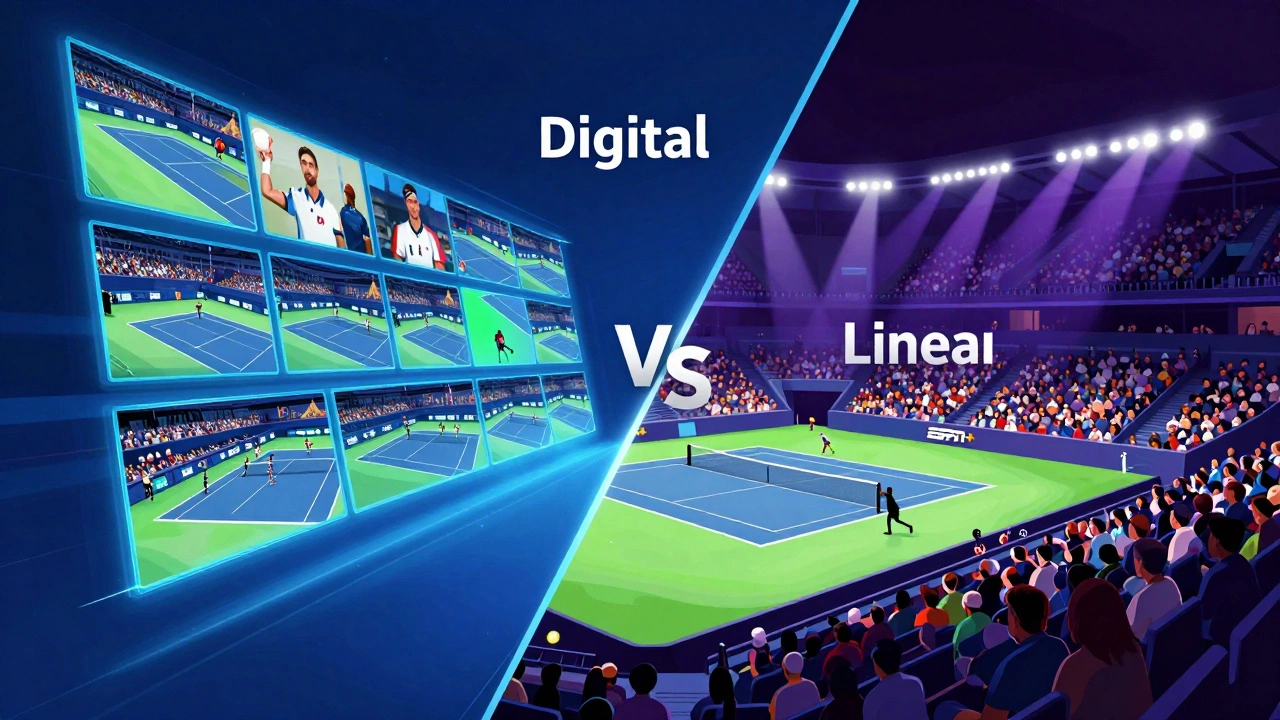
This is where most tennis fans get confused. ESPN+ is a subscription-based streaming service that operates independently of a cable subscription. It's essentially a digital vault of content. When a major tournament like the US Open arrives, ESPN+ often carries dozens of simultaneous feeds. If you want to watch a rising star on Court 14, ESPN+ is your only bet.
However, the 'Main Event'-the championship match that everyone talks about-often airs on the linear ESPN or ESPN2 channels. To get these, you need a provider. If you only have the app, you might find yourself staring at a screen that says 'Available on ESPN,' which is a frustrating way to find out you can't watch the final set of a Grand Slam.
How to Get the Best Deal
If you're on a budget, don't just jump into a monthly plan. Look for the annual subscription. Usually, paying for a full year of ESPN+ upfront knocks a few dollars off the monthly average. It's a gamble if you only watch tennis during the summer, but if you follow the tour year-round, it's the smartest move.
Another trick is the Disney Bundle. Since The Walt Disney Company owns a majority stake in ESPN, they bundle the sports service with their entertainment apps. If you're already paying for Hulu or Disney+, adding the sports element is often cheaper than buying it solo.
What Tournaments are Actually Included?
You aren't just paying for one event. The value of an ESPN subscription depends on the season. During the US Open, the coverage is massive. You get basically every single match from the first round to the trophy presentation. But what about the others?
For the Australian Open and Wimbledon, the rights can be split. In the US, you might see some matches on ESPN, but others might be exclusively on platforms like Tennis Channel. Always check the schedule a week before the tournament starts so you don't pay for a subscription only to realize the match you want is on a different network.
The Hidden Costs of 'Free Trials'
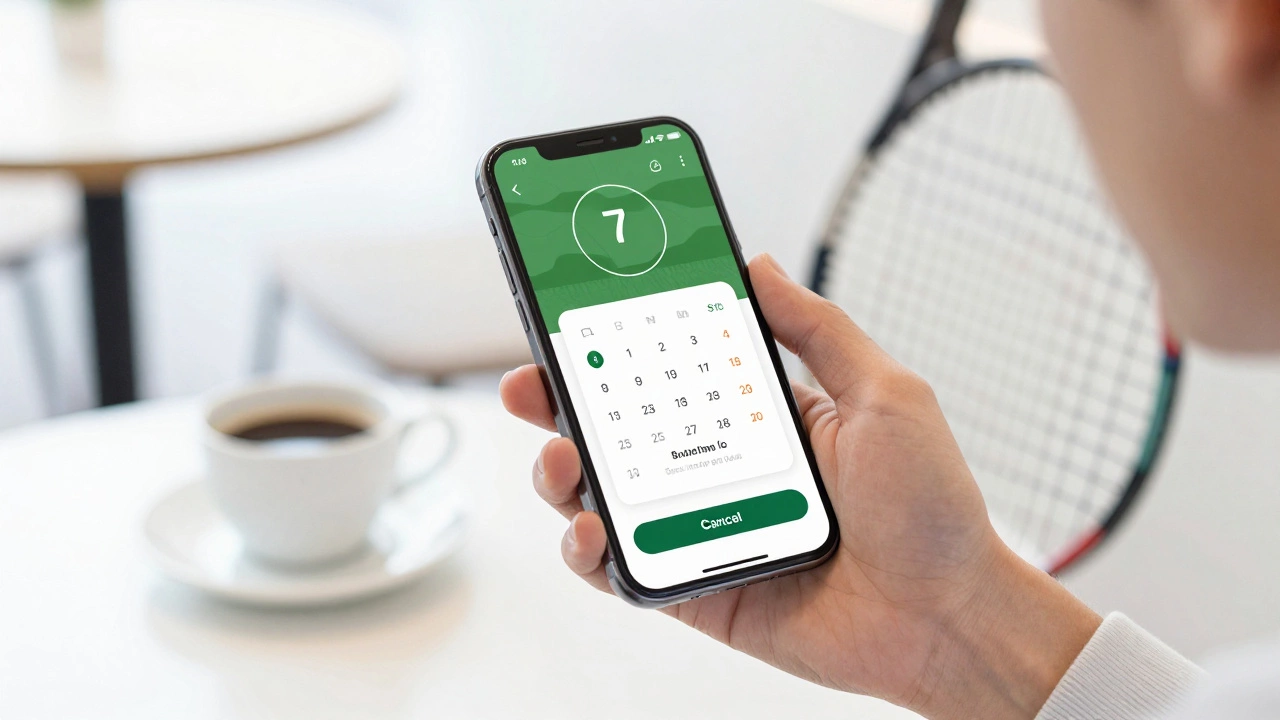
Be careful with the 'free week' offers. ESPN frequently tempts new users with a trial period. While it sounds great, they require credit card info upfront. If you forget to cancel on day seven, you're hit with the full monthly fee. If you're just trying to catch one specific match, set a calendar alert for 24 hours before the trial expires.
Common Pitfalls to Avoid
One big mistake is assuming that a cable subscription automatically gives you the ESPN+ app. It doesn't. Even if you pay for a huge Comcast or Spectrum package, you still have to pay extra for the ESPN+ standalone service to access those extra digital-only courts. It's a double-dip that catches many people off guard.
Another issue is the regional blackout. While less common in tennis than in the NBA or MLB, some local broadcasters may have exclusive rights to certain exhibition matches. If the screen goes dark, it's usually a rights issue, not a technical glitch with your account.
Comparing Your Viewing Options
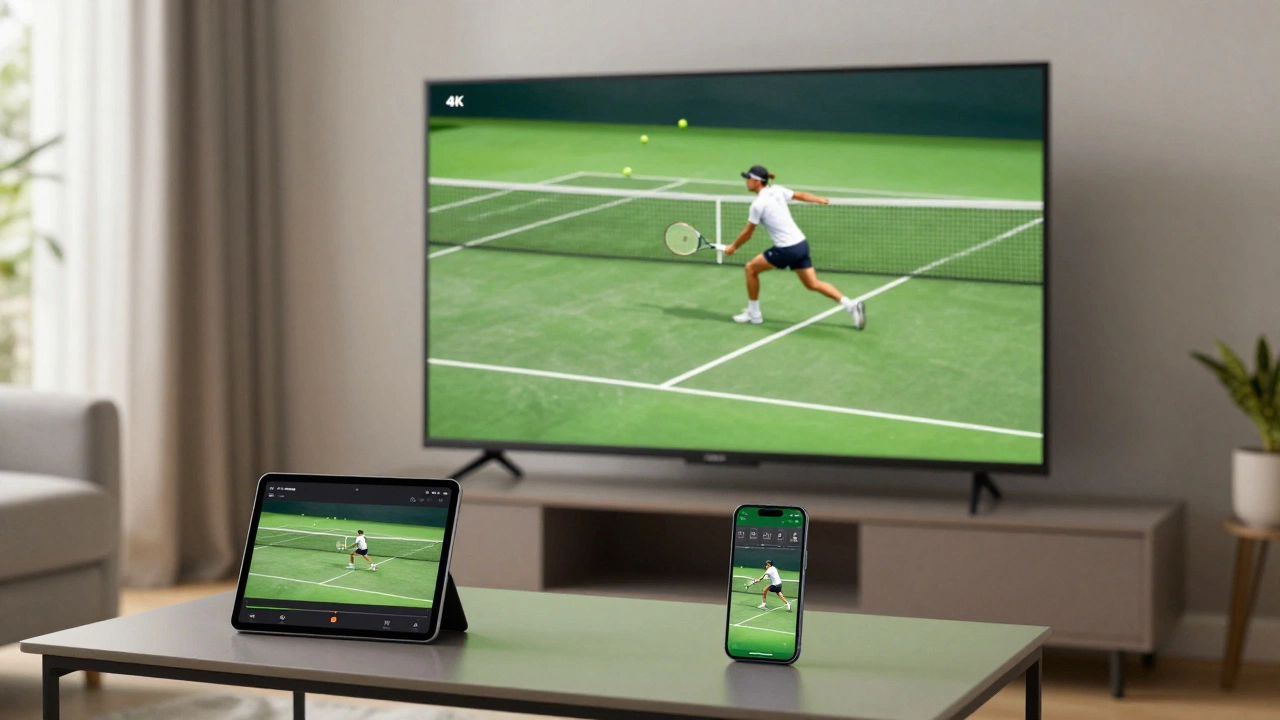
If you're undecided, think about your viewing habits. Do you prefer a big-screen TV experience with a professional commentator? Go for a live TV streamer. Do you prefer watching on a tablet while at work or on the go? The app is the way to go. If you are a hardcore stat-head who wants to watch five different matches at once via multiview, the digital subscription is non-negotiable.
Does ESPN+ include all tennis tournaments?
No. While they have massive coverage of the US Open and various ATP/WTA events, not every single tournament in the world is broadcast on ESPN. Some smaller events or specific Grand Slams may be held by other networks like the Tennis Channel or local broadcasters.
Can I watch ESPN tennis without a cable subscription?
Yes. You can subscribe to ESPN+ as a standalone service. However, keep in mind that some high-profile matches air on the linear ESPN or ESPN2 channels, which require a cable provider or a live TV streaming service like YouTube TV or FuboTV.
Is there a free version of ESPN tennis?
Generally, no. ESPN is a paid service. You might find some highlight clips or short summaries on their website or social media for free, but live full-match streaming requires a paid subscription.
What is the cheapest way to get ESPN?
The cheapest entry point is a monthly ESPN+ subscription. If you also use Disney+ or Hulu, the Disney Bundle provides the best overall value by combining multiple services into one discounted monthly payment.
How do I cancel my ESPN+ subscription?
You can cancel through the account settings on the ESPN website or through the app store (Apple App Store or Google Play Store) if you signed up via your phone. Make sure to do this at least 24 hours before your billing cycle renews.
Next Steps for Tennis Fans
If you're ready to start watching, your first step should be checking the official tournament calendar. Determine if the event you want is a 'Main Draw' event (likely on linear ESPN) or a 'Secondary Court' event (likely on ESPN+). Once you know that, pick the plan that fits your budget. If you're a casual viewer, a one-month subscription during a Grand Slam is the most cost-effective way to enjoy the sport without a long-term commitment.